
Modern SVG and 3D Icon Ecosystem for Web and Mobile Apps
Explore and download vector and 3D icons. Customize colors and sizes directly in your browser, download SVG or PNG, or copy ready-to-use code for React, Next.js, and Flutter.
Popular Categories
Vector and 3D icon library for developers and designers
Explore
Explore All Icons
Developer Docs
Each icon page lists its recorded source and license. Review the original terms, especially for trademarks, before use.
3D Vector Icon Collection
Modern 3D geometric shapes with vibrant gradient shaders and realistic lighting.
Categories
Explore and download vector and 3D icons. Customize colors and sizes directly in your browser, download SVG or PNG, or copy ready-to-use code for React, Next.js, and Flutter.
SVG Editor
Fast client-side utilities to edit, clean, and convert your SVG icons safely.
Framework Integration
Explore and download vector and 3D icons. Customize colors and sizes directly in your browser, download SVG or PNG, or copy ready-to-use code for React, Next.js, and Flutter.
SVG Vector Tools
Fast client-side utilities to edit, clean, and convert your SVG icons safely.
Visual Studio
Flagship vector studio: parametric custom icon builder, SVG decompiler, 3D spatial tilts, and multi-framework exports.
SVG Editor
Comprehensive client-side vector editor. Customize fill, stroke, size, rotation, flip, padding, and export directly to SVG/PNG.
SVG Optimizer
Clean and minify SVG markup. Strips editor junk, comments, redundant groups, and rounds decimals for maximum web speed.
SVG to PNG Converter
Rasterize SVG vectors into high-resolution PNG or WebP images with Retina scaling options and alpha transparency controls.
SVG → CSS
Encode SVG vectors into UTF-8/Base64 Data URIs, CSS background-image, and CSS masks for dynamic styling.
Matrix Generator
Create and customize SVG icons with frames, badges, styles, and framework exports.
SVG Sprite
Bundle multiple SVG files into a single optimized SVG symbol sprite sheet for minimal HTTP requests and maximum rendering speed.
SVG → React JSX
Transform raw SVG vector code into typed, tree-shakeable components for React, Vue 3, Svelte 5, and Web Components.
3D Vector & SVG Studio
Browser-based tools to edit and clean SVG files, create icons, and export code.
Explore vector and SVG tools
Tools for editing, cleaning, and converting SVG files in your browser.
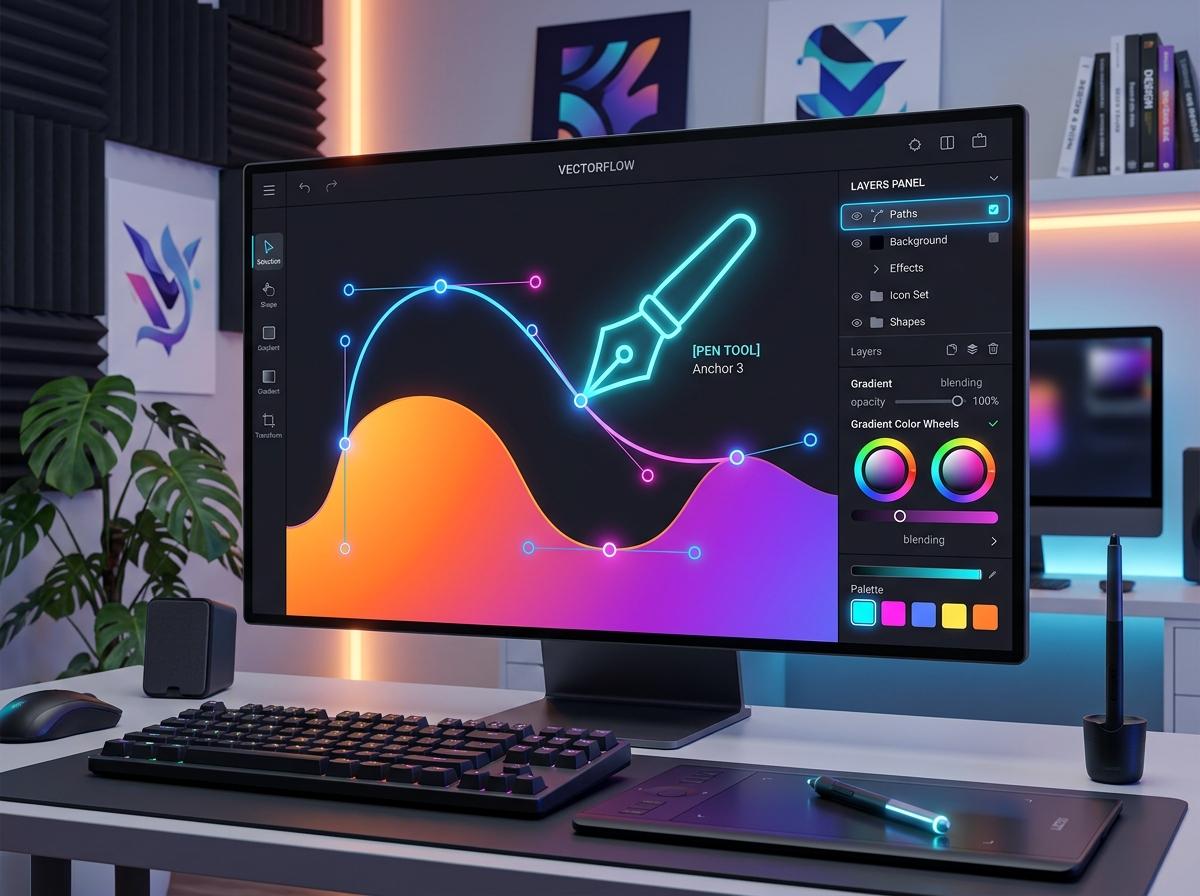
Vector Studio & SVG Editor
Edit SVG paths, gradients, layers, and colors in your browser.
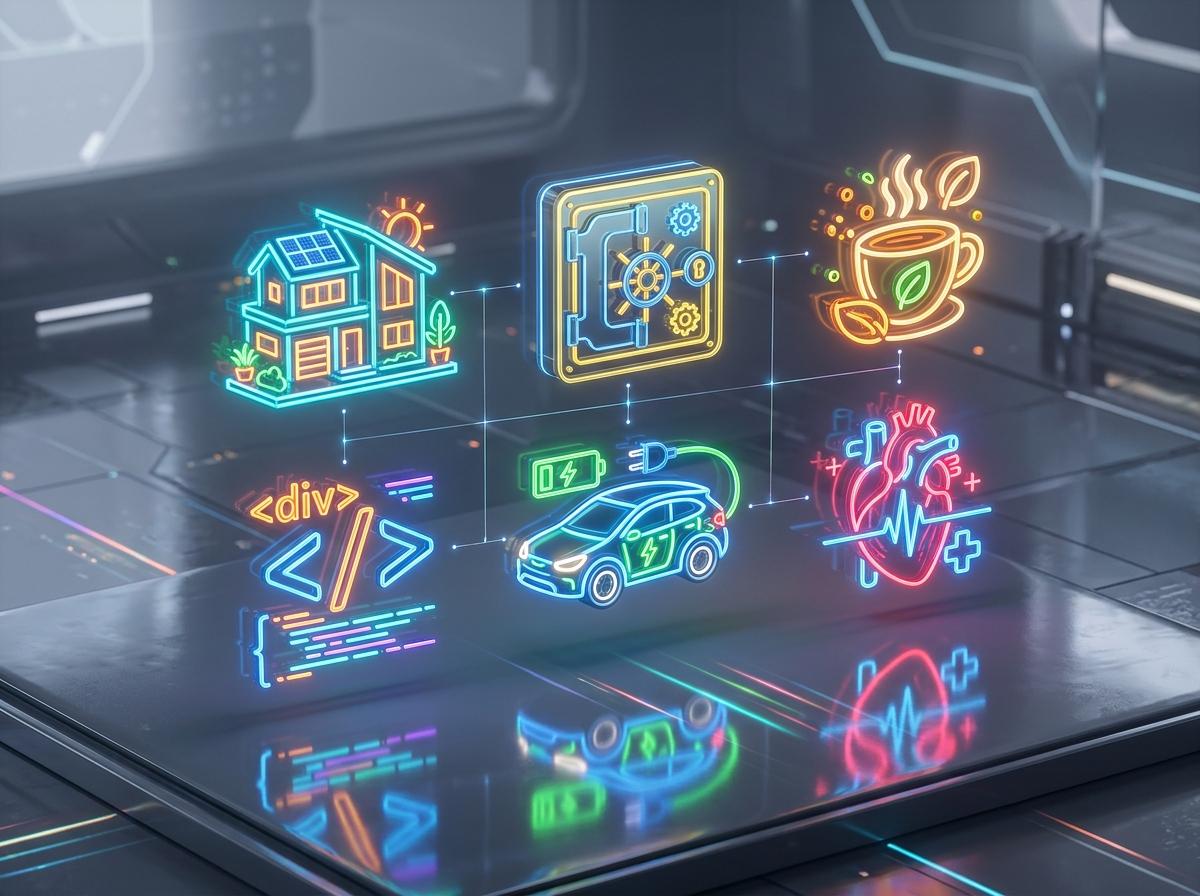
3D Vector Icon Collection
Browse and customize the available 3D vector icons in your browser.

Smart Parametric Icon Generator
Create custom vector assets from parameterized blueprints: Banking, Healthcare, Coding, Architecture.
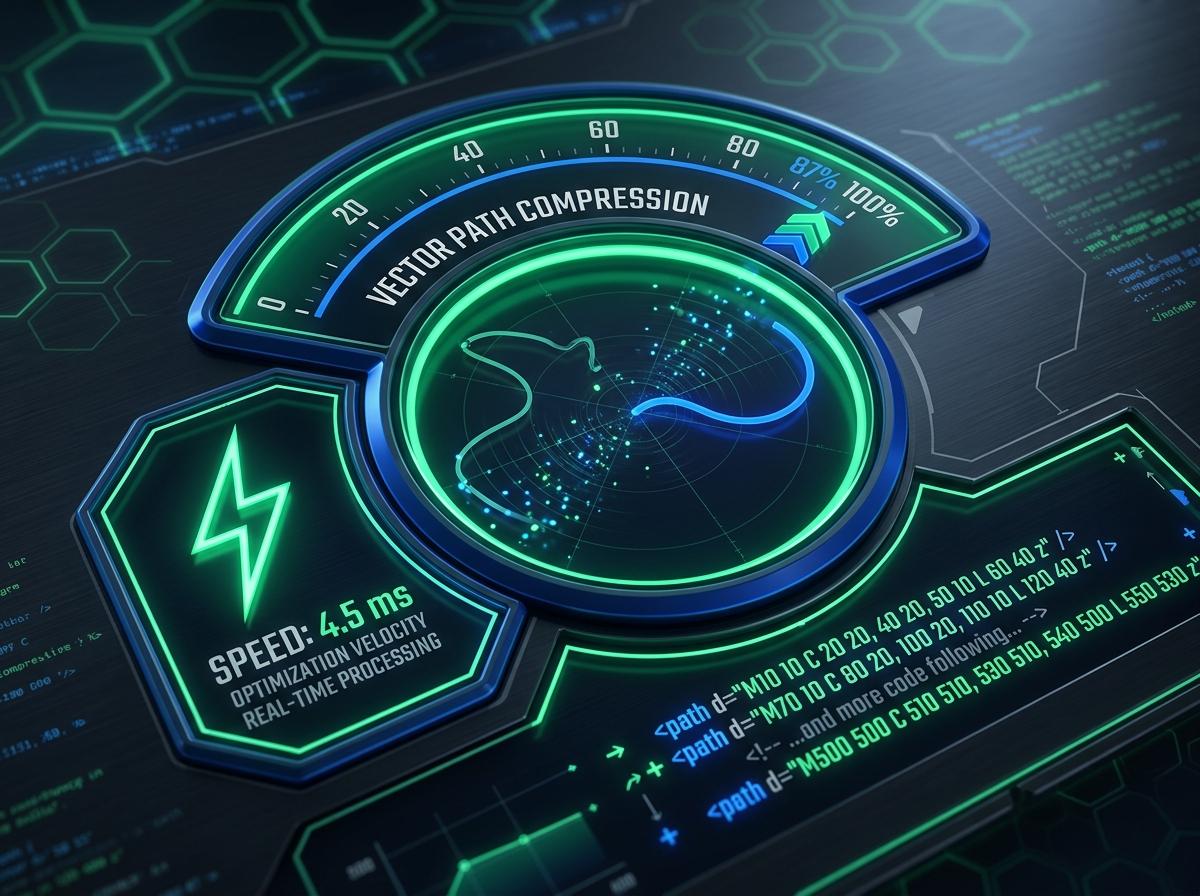
SVG Optimizer & Minifier
Clean SVG markup and adjust coordinate precision before export.

Framework Code Exporter
Generate code snippets for supported frameworks such as React, Vue, and Svelte.

Translucent Glassmorphism Vectors
Frosted glassmorphic vector elements with ambient occlusion and volumetric multi-stop shading.
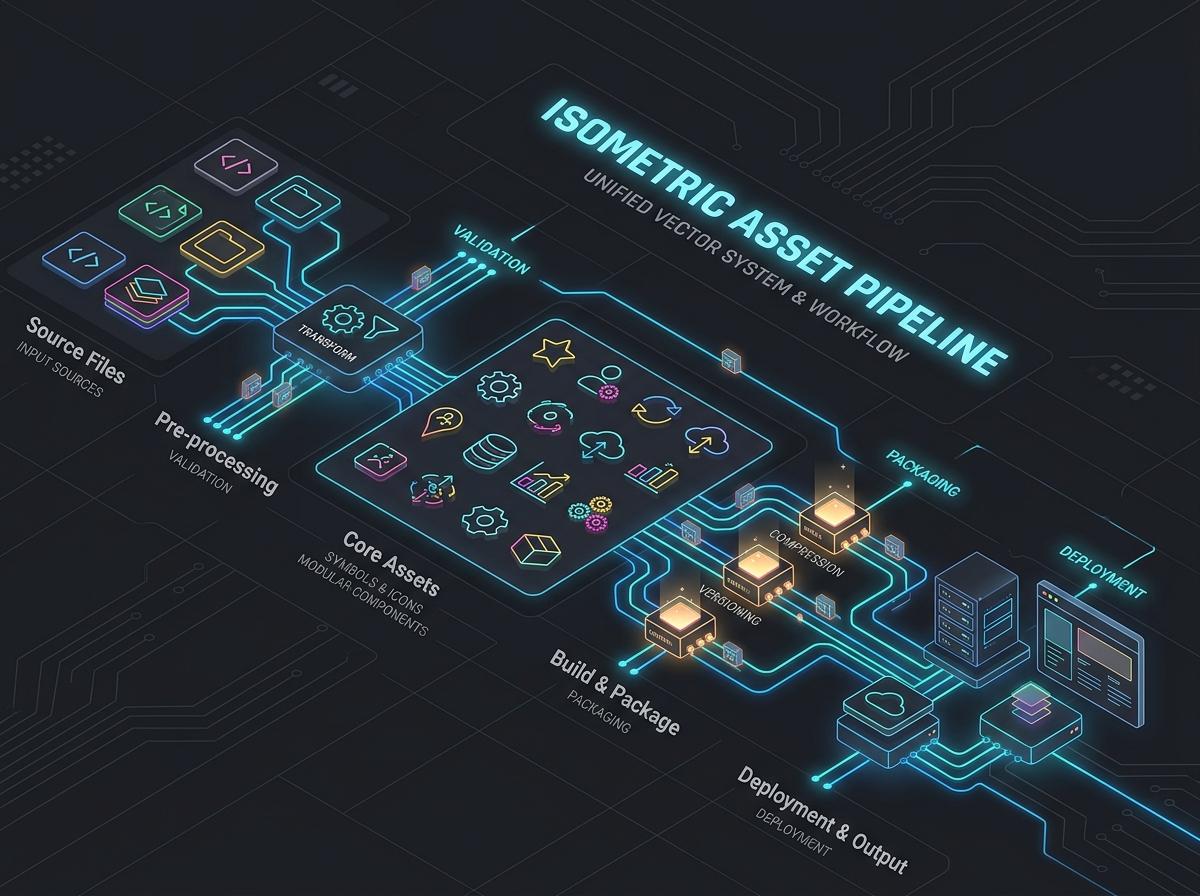
SVG Sprite Sheet Generator
Combine SVG files into a sprite sheet with symbol and use markup.

SVG to CSS Mask & Data URI
Generate CSS background masks and base64 data URIs for direct inline styling.

Source & License Information
Review source and license details, including trademark notices where applicable.
License information
Each icon page lists its recorded source and license. Review the original terms, especially for trademarks, before use.
Frequently Asked Questions
Clear answers regarding licensing and using icons in your commercial products.
Can I use SVG Nexus icons in commercial client projects for free?
Each icon page lists its recorded source and license. Review the original license terms and any trademark rights before use.
How do I change icon colors dynamically in code?
You can adjust colors in our browser SVG editor before downloading, or rely on currentColor inheritance in React, Next.js, and Flutter using standard CSS classes.
Does SVG Nexus require registration or an active backend server?
No. SVG Nexus operates entirely client-side. All customization, optimization, and code generation take place directly in your browser with full privacy.
Can I use icons in a commercial project?
That depends on the individual icon license. Check the icon page for its source, license, and attribution requirements before publishing.
How do I find a country flag?
Search for the country name, its code, or “flag”, then open the result to download the SVG or find visual references.
What happens when an icon preview cannot load?
The site hides failed image previews instead of showing a broken-image marker. Open the icon page or use Google Images to verify the name and find a reference.
Which formats can I export?
You can copy or download SVG source and use the site tools to create PNG images and framework-ready code such as JSX.
Are the SVG icons optimized for websites?
SVG files are scalable vectors that remain sharp at every size. Review each icon’s source and license before adding it to a production project.
Can I use these icons with React or Next.js?
Yes. Open an icon in Vector Studio to inspect its SVG and export code suitable for React, Next.js, and other supported frameworks.
How do I report a missing or incorrect icon?
Use the contact page with the icon name, URL, and a short description of the issue so it can be checked quickly.